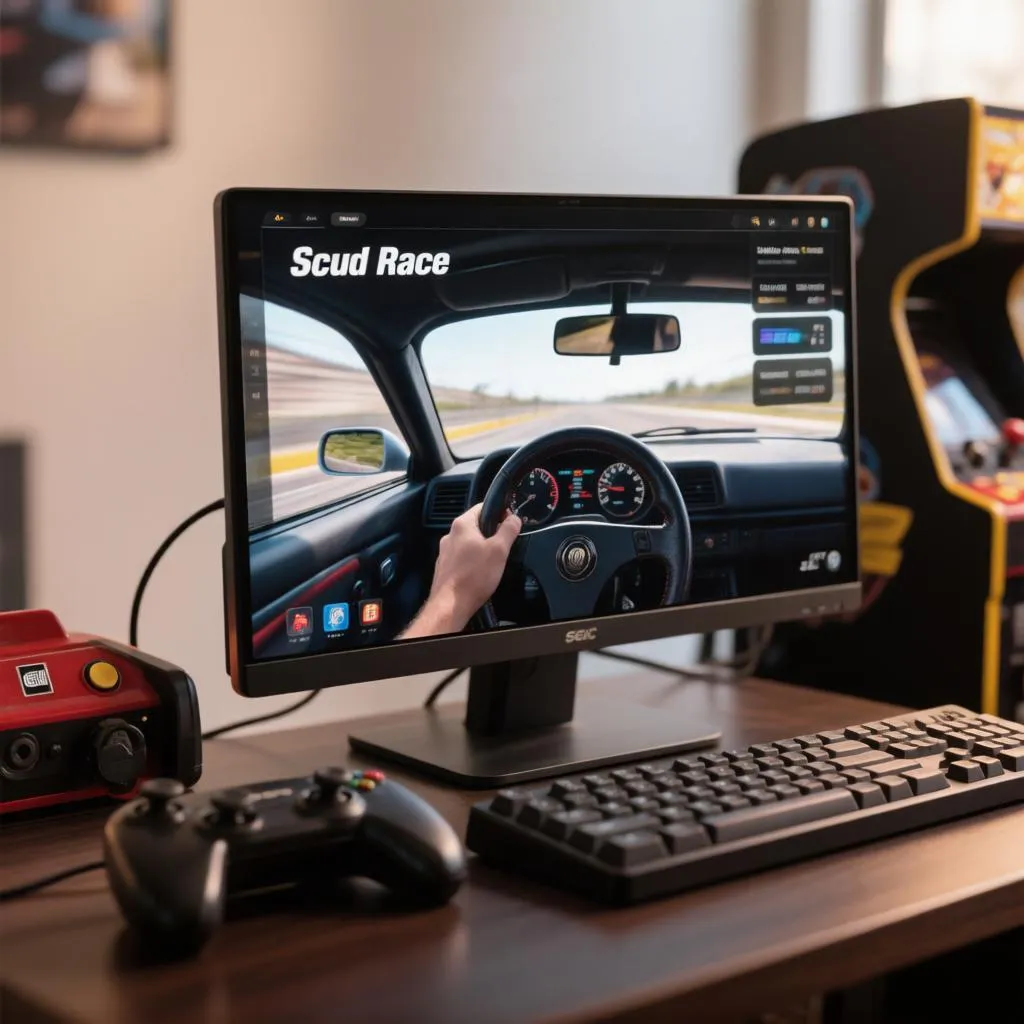
Some arcade machines are remembered, and some are quietly mythologized. Scud Race, released by Sega in 1996 and known in North America as Sega Super GT, belongs firmly in the second category. Built on Sega’s revolutionary Model 3 hardware, it delivered visuals decades ahead of home consoles: a dizzying twin-tunnel start into the Twin-Ring Motegi-inspired circuit, cars with a physics model that rewarded flat-out drifts, and a sense of speed that made everything else at the time look stationary. Sega never ported it to a console or PC, and the original arcade cabinets now command collector prices. The good news is that emulation has matured to the point where the game runs beautifully on ordinary modern hardware, and setting it up takes less effort than most people assume.
What makes Scud Race worth revisiting
Scud Race arrived at the peak of Sega’s arcade ambitions. The Model 3 board, developed with Real3D graphics technology, could push tens of thousands of polygons per frame, and Scud Race was one of the first games to demonstrate what that meant in practice. The result was a racer with dazzling draw distance, smooth 60 frames per second, and a handling model built around the twin interlocking ring circuits of Twin-Ring Motegi, where the high-speed banked sections blur the road edges and make even veteran players question their braking points.
The game also carried a distinctive personality. Four cars were available, each balanced differently, and the drifting system encouraged holding slides through long corners rather than flicking through hairpins. Super GT, the American variant, added licensed cars and a slightly different presentation, but the core experience stayed identical. For anyone who grew up with Sega’s golden arcade era, getting this running on a PC is less nostalgia and more unfinished business.
Understanding the emulation route
Scud Race runs on the Supermodel emulator, an open-source project built specifically to emulate Sega’s Model 3 hardware. Unlike general-purpose emulators, Supermodel focuses on a single board family, which keeps it lean, fast, and surprisingly accurate for the games it supports. Because Model 3 games were written for specialized arcade hardware, Supermodel leans heavily on raw CPU single-thread performance rather than GPU muscle, meaning an older but high-clocked processor often beats a newer low-power chip.
The legal situation follows the same pattern as other arcade emulation. Supermodel itself is a clean, legal piece of software. The game ROMs, however, are copyrighted data, and the accepted path is to dump them from an arcade board or cartridge set that you legitimately own. Original boards still circulate among collectors, and owning one both solves the legal question and preserves a genuine piece of Sega history.
Hardware requirements on the PC side
Model 3 emulation is lighter than most people expect, but it does have a specific bottleneck. Supermodel relies almost entirely on one CPU core, so clock speed matters far more than core count. Before installing anything, check your system against the rough expectations below:
| Component | Minimum for full speed | Comfortable experience | Why it matters |
|---|---|---|---|
| CPU | 3.5 GHz single-core performance | 4.5 GHz or higher modern chip | Supermodel is single-threaded; clock speed drives everything |
| GPU | Any DirectX 11-capable card | Mid-range card for 4x upscale | Rendering load is modest; upscale factor drives quality |
| RAM | 4 GB | 8 GB | ROM loading and general overhead |
| Storage | Any HDD | SSD | Faster ROM load and shorter attract-mode waits |
| Display | Any 16:9 monitor | 120 Hz or higher | The game targets 60 fps, so high refresh adds fluidity |
| Controls | Keyboard | Gamepad or racing wheel | Analog steering transforms the handling model |
A mid-range PC from the last five years clears every bar comfortably. The only component worth investing in specifically for Scud Race is a controller, because the game’s drifting model was designed for a real steering wheel with analog input, and keyboard play flattens the subtlety that made it famous.
Installing and configuring Supermodel
Setup involves downloading the emulator, acquiring your ROM set, and dialing in a handful of configuration values. Supermodel is configured through a plain text file, which sounds intimidating but is genuinely simple once you see the structure. Work through the steps in order to avoid the most common first-time stumbles:
- Download the latest Supermodel build and extract it to a folder with a short path, avoiding directories with spaces to sidestep occasional configuration parsing quirks.
- Obtain your legally dumped ROM set and place it in the
ROMssubfolder; Scud Race and its four-player linked variant are separate archives, so keep the filenames intact. - Open
Supermodel.iniand set the resolution by editingXResolutionandYResolutionvalues, which control the internal rendering size independent of your window size. - Enable widescreen rendering with
WideScreen = 1, which stretches the game’s normally 4:3 canvas across your monitor without distorting the core gameplay view. - Set
MultiThreaded = 1to allow the emulator’s audio and rendering threads to run alongside the main emulation thread, dramatically improving frame pacing on multi-core CPUs. - Choose
ForceFeedback = 1if you own a wheel with force feedback, since Supermodel can drive modern FFB hardware directly through XInput. - Launch the game from the command line with your ROM name, or create a shortcut that includes your configuration flags so the game starts identically every time.
Once the game boots, the famous tunnel intro confirms everything is working. If the attract mode stutters, drop the internal resolution one notch before touching anything else, since resolution is the single biggest performance lever in Supermodel.
Choosing your control scheme
Scud Race responds dramatically to input quality, and the right choice depends on both budget and how serious the setup is meant to be. The original cabinets used force feedback wheels with analog pedals, and each substitute approaches that feel from a different direction:
- Keyboard. Works out of the box with no extra cost, but the on-off throttle kills the drift modulation that defines the game’s handling model.
- Gamepad. The best balance of cost and feel for most players; analog sticks provide the fine steering the drift system needs, and triggers handle throttle well.
- Racing wheel with force feedback. The closest match to the original cabinet, translating Supermodel’s FFB output into real resistance as the car slides and understeers.
- Pedals with a wheel. Analog braking and throttle replicate the arcade layout precisely, rewarding feathered inputs through the Motegi ring’s long sweepers.
A basic gamepad is genuinely sufficient to enjoy the game, but anyone planning to spend serious hours in the Motegi tunnel will notice the ceiling of stick steering within a few sessions. The upgrade path from pad to wheel is the single largest quality-of-life improvement available for this title.
Tuning for the perfect sense of speed
Supermodel’s default settings are conservative, and a few adjustments unlock the game’s full visual and tactile impact. These options live in the configuration file or the emulator’s command-line flags, and each affects the feel differently:
- Internal resolution scaling. Pushing to 3x or 4x native sharpens the trackside geometry and signage dramatically, and Scud Race scales exceptionally cleanly because its textures were drawn with generous detail.
- Cross product, or CRT-style shading. Enable this legacy shading mode to reproduce the original arcade monitor’s color and lighting character, which softens the clinical look of modern flat rendering.
- Anti-aliasing. Supermodel supports modern MSAA, and 4x smoothing removes the jagged edges that high resolution alone cannot fully eliminate.
- New 3D engine flag. The updated renderer improves accuracy on certain Model 3 titles and is worth enabling to see whether it changes anything for your setup.
- Frame skipping. Keep this disabled unless absolutely necessary; dropping frames destroys the 60 fps rhythm that Scud Race’s sense of speed depends on.
- Analog saturation and dead zone. Adjust these controller parameters so tiny steering inputs register cleanly, which matters enormously during the tunnel’s high-speed approach.
Save your preferred configuration as a shortcut argument set, since the command-line flags accumulate quickly and rebuilding them from memory each session is tedious. A single shortcut file turns the entire setup into a one-click experience.
Multiplayer and the linked-cabinet legacy
Scud Race was designed for linked four-player racing, and Supermodel reproduces that experience across multiple PC sessions on a local network. Each participant runs their own Supermodel instance pointed at the same ROM, connects through the emulator’s network play option, and the four cars share the same track in real time, just as four cabinets would have in a 1990s arcade. Latency on a home LAN is negligible, and the shared start-line tension of four cars in the tunnel is the game’s most memorable feature, now portable to any living room with a switch and a few laptops.
For a household setup, this is genuinely transformative. Two or four players, each with their own screen and controller, race the identical circuit simultaneously without any split-screen compromise. The competitive balance that made the original arcade multiplayer so compelling survives intact.
Troubleshooting common issues
Most problems in Supermodel trace back to a small set of causes, and diagnosing them follows predictable patterns. The issues below cover the overwhelming majority of first-time setups:
- Game refuses to load or reports a missing ROM. Verify the archive filenames match Supermodel’s expected ROM set exactly; a single renamed file breaks the load.
- Sluggish frame rate despite a strong PC. Lower the internal resolution first, then confirm
MultiThreadedis enabled, since single-thread performance remains the true bottleneck. - Sound crackles or desyncs. Adjust the audio sample rate in the configuration file, and ensure
MultiThreadedis active so audio runs on its own thread. - Force feedback feels wrong or dead. Confirm the wheel appears as an XInput device and that
ForceFeedbackis set in the configuration; some wheels require the emulator’s FFB gain to be raised. - Steering is too twitchy or too sluggish. Tune the analog dead zone and saturation values in the input configuration, aiming for a slight dead zone at center and full range before the physical stick limit.
- Colors look washed out or overly saturated. Toggle the legacy shading option and adjust the gamma value; Model 3 games were tuned for arcade CRT monitors with different color response than modern panels.
Keeping Supermodel updated resolves several of these automatically, as the project continues to refine Model 3 accuracy with every release. The emulator’s documentation inside the download also lists per-game notes worth reading before deep customization.
Building the arcade atmosphere at home
Half of what makes Scud Race special is the context around it, and a little staging goes a long way toward recreating that feeling. Position the monitor at seated driving height, darken the room, and let the tunnel intro fill the screen at full brightness; the game was designed to overwhelm the senses, and a dim environment does more for that than any graphical tweak. Headphones or good speakers amplify the engine audio, which changes pitch noticeably through the banked sections, a detail most racers of the era never attempted.
If a wheel is in the budget, clamp it firmly to a desk or a wheel stand, since force feedback strength only feels right when the base is stable. Even a modest setup, executed thoughtfully, closes most of the distance between a modern PC and a genuine Model 3 cabinet. The goal is not perfection but immersion, and Scud Race rewards immersion more generously than nearly any racer of its generation.
Keeping the setup alive long term
Once configured, a Supermodel installation is remarkably stable and needs little maintenance. Back up the Supermodel.ini configuration file and your NVRAM folder, which stores game saves and high scores, since these represent real progress worth protecting. Keep emulator builds in a dedicated folder rather than buried inside a game library, so updating never risks overwriting your tuning. Consider also exploring other Model 3 titles, such as Daytona USA 2 and Sega Rally 2, which run on the same emulator and share your controller configuration, effectively tripling the value of one setup.
The deeper pleasure of getting Scud Race running is that it converts a lost arcade experience into a permanent part of a PC library. The game will never appear on Steam, never get a remaster, and never come to consoles, which makes a working Supermodel installation the only reliable way to experience Sega’s Model 3 masterpiece today. Once the tunnel opens ahead of you for the first time at full resolution, the effort fades into the background, and what remains is pure, undiluted Sega speed.