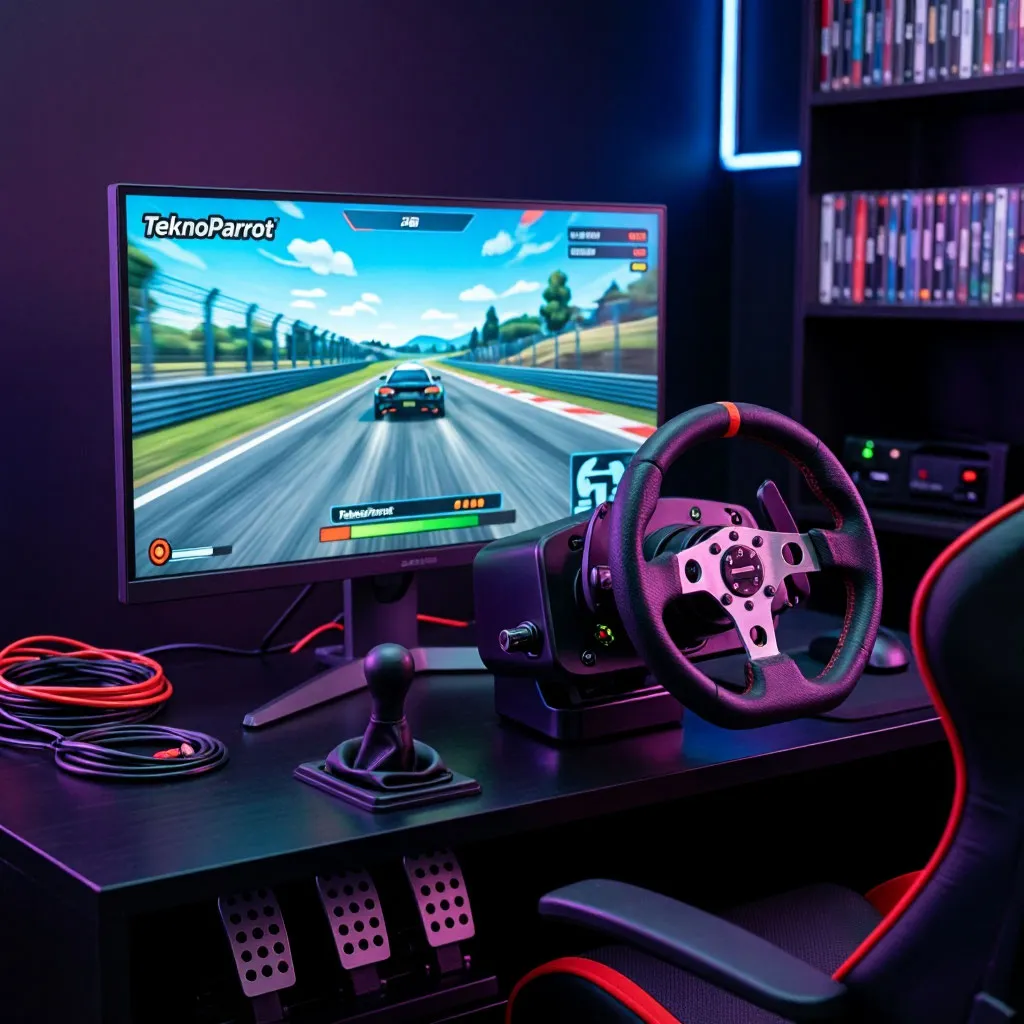
The flashing neon lights and roaring cabinet speakers of a local amusement center have defined the racing genre for decades. Historically, replicating the exact feel of modern arcade machines at home was nearly impossible due to the proprietary operating systems and unique hardware boards utilized by major manufacturers. Today, a brilliant software solution has bridged this gap, allowing enthusiasts to run modern cabinet masterpieces directly on standard home computers. Anyone trying to learn how to use teknoparrot will discover a highly optimized compatibility layer that breathes new life into legendary racing titles. This platform acts as a revolutionary arcade racing games pc emulator that bypasses old hardware restrictions and opens up a treasure trove of high-speed gaming history.
The magic behind modern arcade emulation
Unlike traditional console emulators that recreate a system’s entire architecture through demanding software pipelines, this compatibility tool operates as a wrapper. Modern arcade cabinets actually run on modified Windows operating systems, meaning your PC can run the game files natively once the hardware checks and security keys are bypassed.
To enjoy smooth frame rates and responsive steering inputs, your gaming rig needs to meet certain basic specifications before running these demanding cabinet titles:
- Operating system: modern windows environment with administrative privileges
- Graphics card: dedicated graphics processing unit from nvidia or amd
- Input devices: standard gamepad or directinput steering wheel
- Storage space: solid-state drive to ensure fast asset loading
- Software dependencies: necessary directx runtime files and frameworks
Meeting these hardware thresholds guarantees compatibility and prevents random crashes during gameplay transitions. Once your PC is fully prepared, you can dive into bringing classic sega arcade games pc enthusiasts adore right into your bedroom or gaming lounge.
Choosing the right input configuration
Configuring a steering wheel or a standard controller for arcade titles requires understanding how original cabinets processed inputs. Arcade machines use specific hardware boards to handle force feedback and steering angles, which must be carefully translated into standard gaming protocols.
Different titles require specific input configurations to replicate the authentic arcade cabinet feel on a home desk setup. Understanding how different control schemes match up with major racing series helps you configure your hardware for maximum precision:
| Game title | Default cabinet hardware | Recommended PC controller | Critical setting tweak |
|---|---|---|---|
| Sega Rally 3 | Sega Europa-R | Steering wheel or gamepad | Enable raw input for precise steering wheel feedback |
| Initial D Arcade Stage 8 | Sega RingEdge | Force feedback steering wheel | Set wheel rotation to 540 degrees in driver profile |
| Wangan Midnight Maximum Tune 5 | Sega Lindbergh | Steering wheel or analog gamepad | Map the view change button to a highly accessible bumper |
| Mario Kart Arcade GP DX | Namco System ES3 | Standard gamepad or racing wheel | Bind the item use button to a digital face button |
These specific button mappings ensure that drift-heavy physics and sudden braking mechanics behave correctly under home setup limitations. Once your input devices are categorized, you can begin the physical process of setting up the launcher interface.
Step-by-step setup guide for TeknoParrot
The installation process is straightforward, but it requires careful attention to security settings and folder structures. Because the software interacts directly with game executables, certain antivirus programs might flag the utility files as false positives, requiring manual exclusions.
Configuring this specialized software tool requires a systematic approach to avoid common registration and execution errors. Following these chronological steps allows you to install, update, and launch your preferred arcade files safely:
- Download the executable: obtain the latest bootstrap installer from the official developer portal.
- Extract and run: place the utility files into a dedicated folder on your main drive.
- Update the emulator: allow the built-in updater to download the latest compatibility patches.
- Add your game: select your preferred racer from the library list.
- Map your controls: open the controller configuration tab and bind your steering axes.
Keeping the launcher fully updated prevents common connection errors and ensures that newly released controller profiles work seamlessly. Once these steps are complete, you can fine-tune individual graphic configurations for each specific game to match your monitor’s refresh rate.
Achieving arcade perfection at home
Recreating a cabinet experience on a desktop computer represents the ultimate projects for retro racing fans. By configuring this powerful launcher, mapping your inputs correctly, and utilizing robust steering setups, you can experience legendary speedways with unmatched fidelity. Navigating these configurations takes a little patience, but the reward of screeching around drift corners on legendary arcade tracks makes every step of the setup process completely worth it.