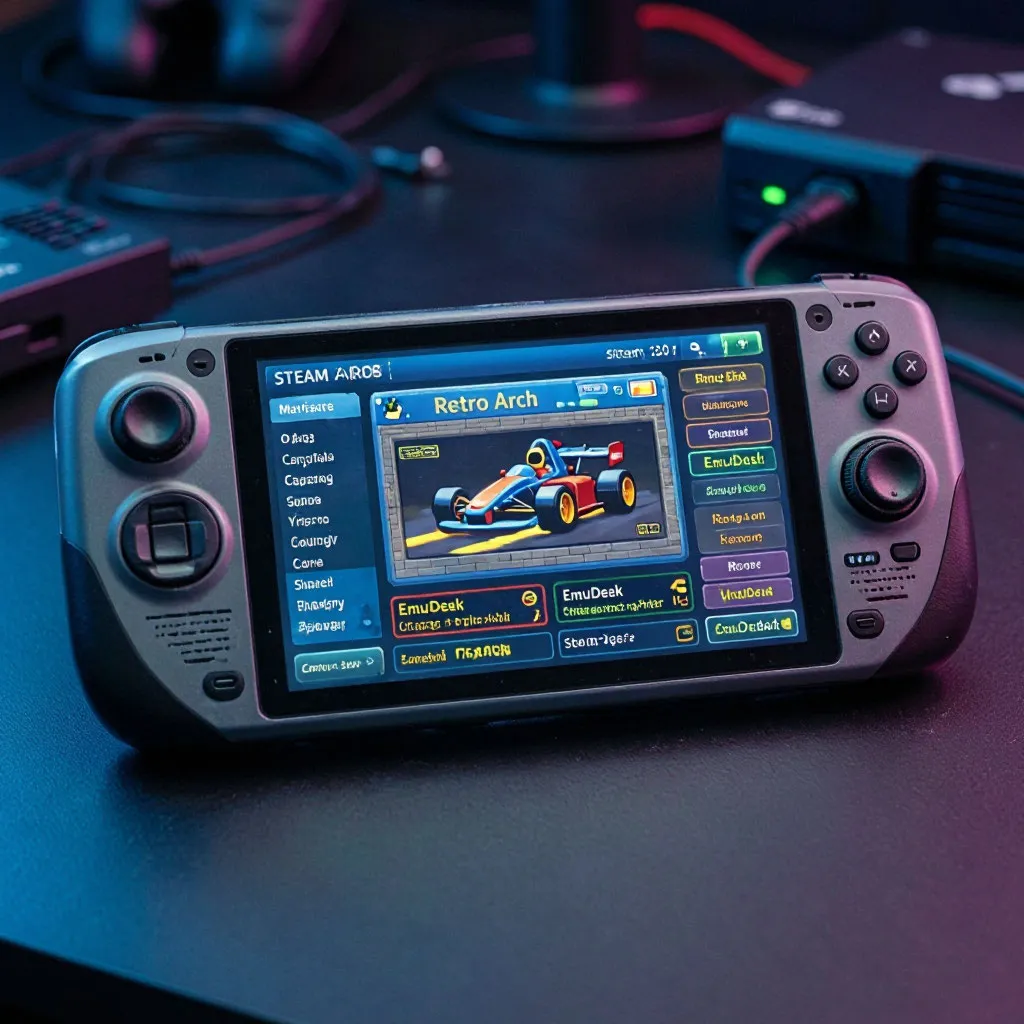
Holding a modern handheld gaming console feels like cradling a portal to every arcade parlor that ever existed. The Steam Deck, with its physical joysticks and vibrant display, is the absolute dream machine for anyone who spent their youth trying to master the perfect drift in Sega Rally or keeping their car on the track in Daytona USA. Instead of being tethered to a desktop computer, you can now carry these heavy, complex physical arcade boards inside your backpack. However, translating the specialized controls and high-refresh-rate demands of classic cabinets to a portable device requires a bit of software optimization to ensure you get that authentic, buttery-smooth experience on the go.
Preparing your handheld for the virtual arcade
To transform your device into a portable cabinet, you need a unified software hub that handles the heavy lifting of emulator management, folder creation, and artwork scraping. EmuDeck serves as this essential backbone, pre-configuring the necessary directory structures so you do not have to manually edit configuration files.
Initiating your retro journey requires a clean installation of the setup tool, which will automatically organize your storage space and install the required cores:
- Boot your device into Desktop Mode: downloading the official installation script from the official community webpage.
- Execute the installer from your desktop: choosing the custom installation path on either your internal SSD or SD card.
- Select the arcade emulators during setup: making sure MAME and RetroArch cores are fully checked.
- Return to Gaming Mode and launch Steam ROM Manager: generating the shortcuts and custom controller profiles for your library.
Completing this initial phase establishes a robust framework, ensuring that game files are placed in their proper folders. This automated organization is the cornerstone of a stable emudeck arcade games setup, saving you hours of tedious troubleshooting and allowing you to focus on the games themselves.
Choosing the right cores for different arcade eras
Arcade hardware evolved rapidly during the nineties, transitioning from flat 2D sprite scalers to complex 3D polygons that required custom co-processors. Because of this architectural diversity, using a single emulator for every racing game will lead to poor performance and graphical glitches.
Finding the sweet spot between visual fidelity and performance means matching each classic racing title with its most optimized emulation backend:
| Arcade system | Target emulator | Key racing titles | Performance profile |
|---|---|---|---|
| Sega Model 3 | Supermodel | Daytona USA 2, Sega Rally 2 | highly stable sixty frames per second with minor tweaks |
| Sega NAOMI | Flycast | Crazy Taxi, OutRun 2 SP | flawless native speed with widescreen hacks enabled |
| Midway Unit | MAME | Hydro Thunder, San Francisco Rush | moderate performance requiring manual button mapping |
| Namco System | RetroArch | Ridge Racer, Rave Racer | easy setup with excellent scaling options |
Utilizing this tailored emulation approach ensures that demanding titles run smoothly without draining your battery in under an hour. By selecting the correct backend, you unlock access to advanced features like widescreen rendering, which stretches the classic four-by-three view into a modern sixteen-by-nine format without distorting the game elements.
Mastering controls and analog trigger configuration
The biggest hurdle in steam deck retro racing emulation is translating cabinet steering wheels and analog pedals to a modern gamepad layout. Standard arcade cabinets used physical potentiometers that measured the exact angle of your steering input, which can feel incredibly twitchy when mapped to a small thumbstick.
Refining your control scheme is necessary to prevent your car from spinning out at every tight corner during high-speed races:
- analog trigger mapping: binding your right trigger to acceleration and left trigger to braking to replicate pedal sensitivity.
- thumbstick deadzones: adjusting the inner deadzones within Steam Input to eliminate joystick drift and increase steering precision.
- gear shifter configuration: assigning the rear grip buttons for sequential manual shifting to keep your hands on the wheel.
- force feedback emulation: turning on basic haptic rumble to simulate the rumble strips of classic tracks.
Fine-tuning these inputs completely changes how these classic titles feel in your hands. Taking the time to adjust the sensitivity curves ensures that games designed for physical wheels feel natural and responsive on portable analog sticks.
Performance tweaks for demanding classic racers
While older sprite-based titles run effortlessly, platforms like the sega model 3 emulation steam deck community supports can push the handheld processor quite hard. To maintain a locked sixty frames per second, you should utilize the built-in Quick Access Menu to limit the refresh rate of your screen to exactly sixty hertz, matching the native frequency of the original arcade monitors.
Additionally, lowering the system TDP to around eight watts often provides more than enough processing power while nearly doubling your battery life during long gaming sessions. For games running through mame arcade games steam deck users should also disable any heavy CRT shaders in RetroArch, opting instead for clean bilinear filtering to keep the CPU overhead as low as possible. These minor adjustments ensure a flawless, portable arcade experience that you can enjoy anywhere.